
Shopify Google Cloud Settings
The Google Cloud page is primarily used by advanced and enterprise merchants who manage their own Google Cloud environment.
Project Details
The page shows the connected:
- Google Cloud project ID
- Google Cloud project number
Use Open Project to jump directly to the AI Commerce Search console for that project.
Use Open Merchant Console to open the AI Commerce Search merchant console for the same project.
Service Account Details
Retail Cloud Connect uses a Nimstrata-managed service account to connect Shopify to Google Cloud.
This service account requires:
- Google Cloud Retail Admin
- A Nimstrata custom role for project access
For a permission breakdown, review Nimstrata's Google Cloud IAM permissions.
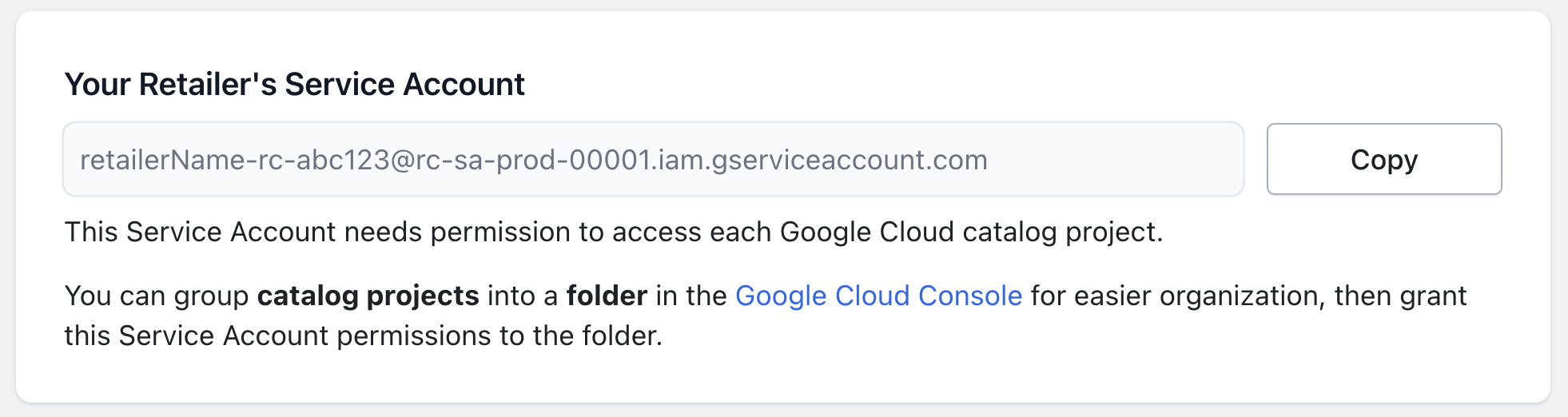
Serving Configurations and Models
From the Google Cloud console, merchants can:
- Create or edit serving configurations
- Manage serving and facet controls
- Review analytics and experiments
- Manage Recommendations AI models
These Google Cloud settings are advanced controls. Normal Shopify App Block installs do not require merchants to edit serving configurations directly.
Document Search
Merchants using Google Cloud document search can configure a Generative AI System Prompt from this page.
The current prompt templates include:
- Basic
- Brief
- Technical
- Non-Technical
- List Format
Use the prompt to control:
- Answer tone
- Length
- Formatting
- Technical depth
Contact Nimstrata to enable document search for the store.
Changing the prompt uses the app save bar. Select a template or edit the text, then save before testing the Document Search App Block.