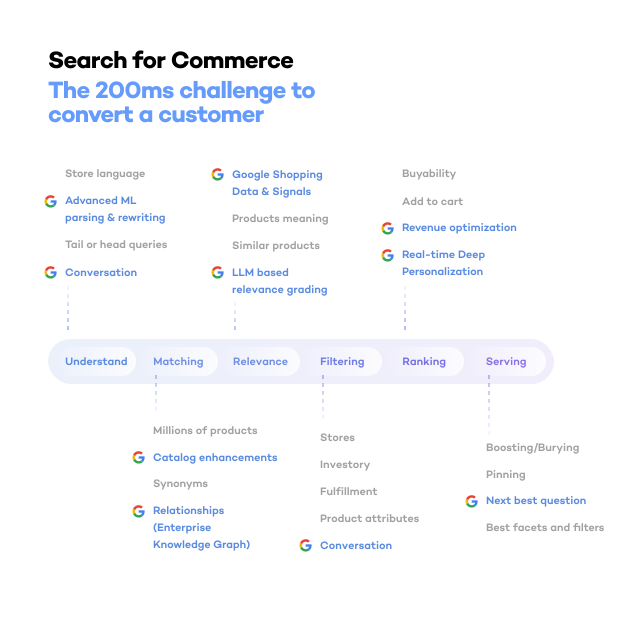
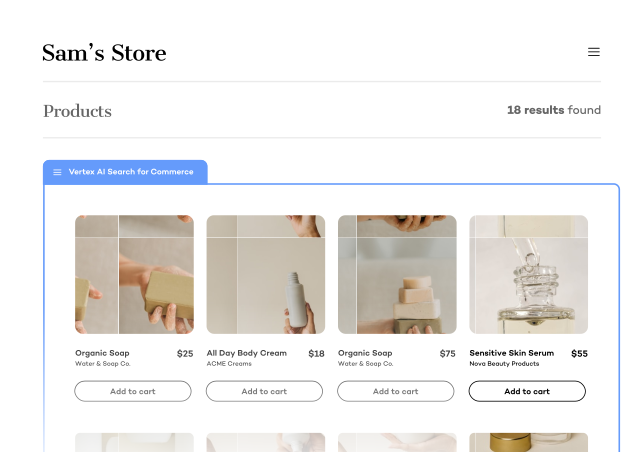
Retail Cloud Connect
Shopify AI Search, Powered by Google Cloud
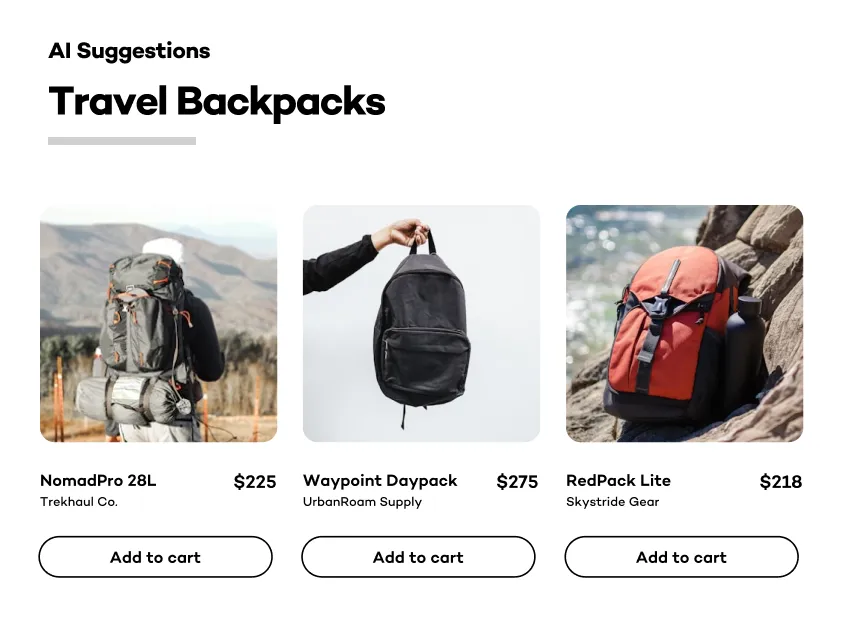
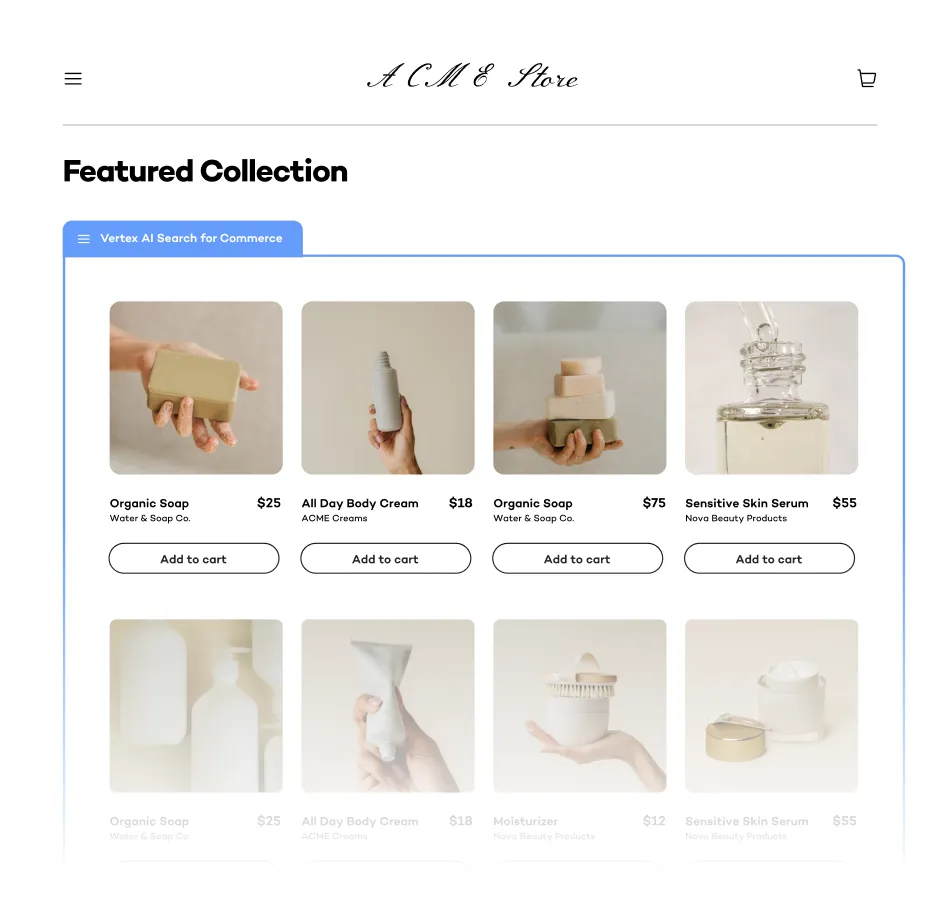
Retail Cloud Connect connects your Shopify catalog, search, and collection pages to Google Cloud AI Commerce Search. Use App Blocks on a compatible theme, or integrate the Storefront API with your custom storefront.
From $99 USD/month plus usage. See total pricing · Check setup requirements
Trusted by





Is Retail Cloud Connect right for your store?
A fit for Shopify product discovery
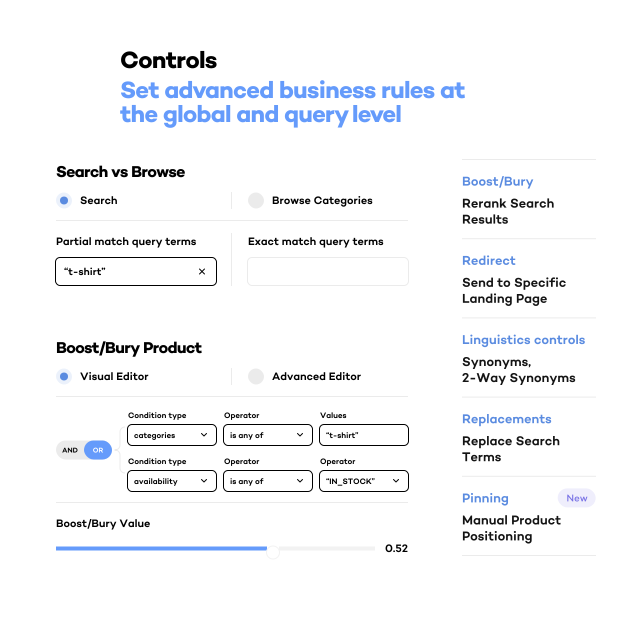
Evaluate it when you want Google Cloud search and collection ranking with catalog sync and merchant controls. Test your own high-value queries and filters before changing the live experience.
Compare Shopify search optionsPlan for your storefront
Online Store 2.0 App Blocks are the standard theme path. A legacy theme, custom product-card behavior, or a headless frontend can require development work. Confirm compatibility and event collection before launch.
Review installation requirementsChoose how Google Cloud is managed
Use the default managed setup for consolidated Shopify billing. If your team needs its own Google Cloud project and direct cloud billing, review the advanced setup and access requirements with us.
Explore enterprise deploymentWhat proves your integration is ready?
Connecting a catalog is one part of the work. Onsite search also needs shopper events and a storefront that retrieves the results. A Google Merchant Center feed supports a different job: getting products onto Google surfaces. Use these checks to agree what your implementation must deliver.
| Integration path | Work to include | Verify before launch |
|---|---|---|
| Retail Cloud Connect with a Shopify theme | Configure catalog mappings, App Blocks, Core Components App Embed and App Pixel. | Check products and filters against the catalog, confirm events arrive, and remove duplicate native result grids. Theme setup checks |
| Retail Cloud Connect with a headless storefront | Build the results interface and user-event integration using Nimstrata's Storefront API. | Validate search, browse and product interactions, including the required fields and matching product identifiers. Storefront API requirements |
| Direct Google Cloud integration | Build and operate catalog ingestion, event collection, result serving and the storefront interface. | Validate catalog updates, events matched to products and result rendering; assign ongoing operational ownership. Google's implementation guide |
Seeing an event in GA4 does not prove it reached AI Commerce Search. Google supports a configured GA4 integration; its event-recording guidance explains how events must match catalog products to be used for training. Check that connection before evaluating results. For help defining this work, review our implementation service.
See a real implementation: Cotopaxi's published case study describes custom theme integration and a reported 44.78% search-conversion lift. That is one merchant's result; use a store-specific baseline to evaluate your own outcome.
See the Difference
Ready to try it on your store?
Review the setup for your store, or book a demo using your catalog and requirements.
Getting Started
From Catalog Setup to a Tested Launch
Install
Install the app, choose managed or own-project setup, and confirm the plan and billing for your store.
Configure
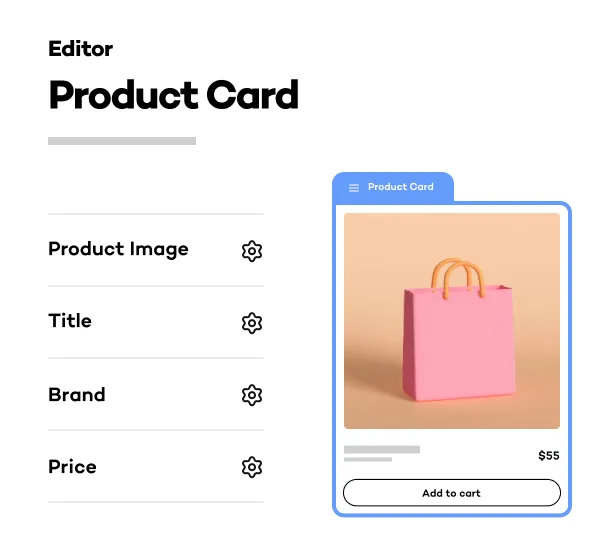
Import your catalog, map filters, configure product cards, and enable the theme components and user-event tracking.
Validate and launch
Test important queries, collection pages, and tracking on a preview theme. Publish after validation and compare results with your baseline.
FAQ
Common Questions
What needs to be ready before launch?
Install the app, complete catalog import and filter mapping, activate billing, and configure your storefront. Enable the Core Components App Embed and App Pixel for user-event collection. Validate search, collections, product cards, and tracking before publishing; import and implementation time depend on the catalog and storefront. Setup checklist
Does it work with my Shopify theme?
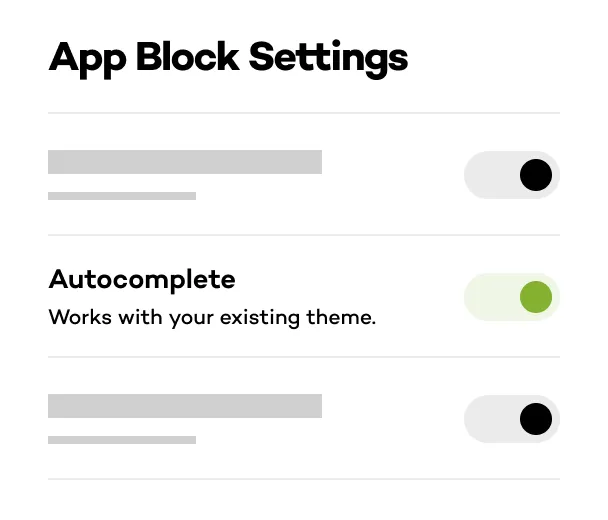
Retail Cloud Connect works best with Shopify Online Store 2.0 themes that support App Blocks. Preview the search and collection blocks in your theme and remove duplicate native result grids. Older or heavily customized themes may need manual integration; ask us to review them before planning launch. Theme compatibility
What about headless / Hydrogen storefronts?
Hydrogen, Oxygen, and custom headless storefronts can use our Storefront API for search, recommendations, autocomplete, and user events. Your implementation needs to connect the frontend and send the required event data; this is a developer integration rather than a theme App Block installation. Storefront API requirements
How is pricing structured?
Plans start at $99 USD/month, with a catalog-based platform fee plus usage charges. Starter and Growth use managed Google Cloud billing through Shopify. The own-project Enterprise model adds separate Google Cloud charges to Nimstrata's platform and serving fees. Estimate API requests, not just visits, when comparing costs. Plans and usage calculator
Do I need my own Google Cloud account?
The default managed setup does not require you to operate a Google Cloud project. Advanced or Enterprise setup connects a project you control and requires a Google Cloud billing account, the Retail API, and access permissions for Nimstrata. In that setup, each Shopify store uses its own project. Managed and own-project setup
Can I migrate from another search app?
Yes. Our team can help plan the transition from your current search app. Validate your important queries, filters, and merchandising rules before switching, then measure results against your existing search. Compare your search options
Are all recommendation models ready immediately?
No. Model readiness depends on the recommendation type and available user-event data. Recently Viewed is available immediately, while some models need 60–90 days of events before training. Confirm the model, serving configuration, and training costs for the placements you want to launch. Recommendation model requirements
What support is included?
Starter includes live chat and email support. Growth adds priority support and fully guided onboarding. Enterprise adds dedicated support and fully managed onboarding. Compare support by plan
Get Started
Ready to upgrade your store's search? Let's talk.
Install the Shopify app or book a demo to see the impact on your store.